See what hiring software reads.
Upload your PDF to see the contact details, sections and formatting our parser reads, and the fixes that matter before you apply.
Start with your PDF
Drop your resume here or choose a file. PDF only, up to 10MB.
Processed in memory; your file is not stored.
Sample result
One real parser run on a fictional resume PDF

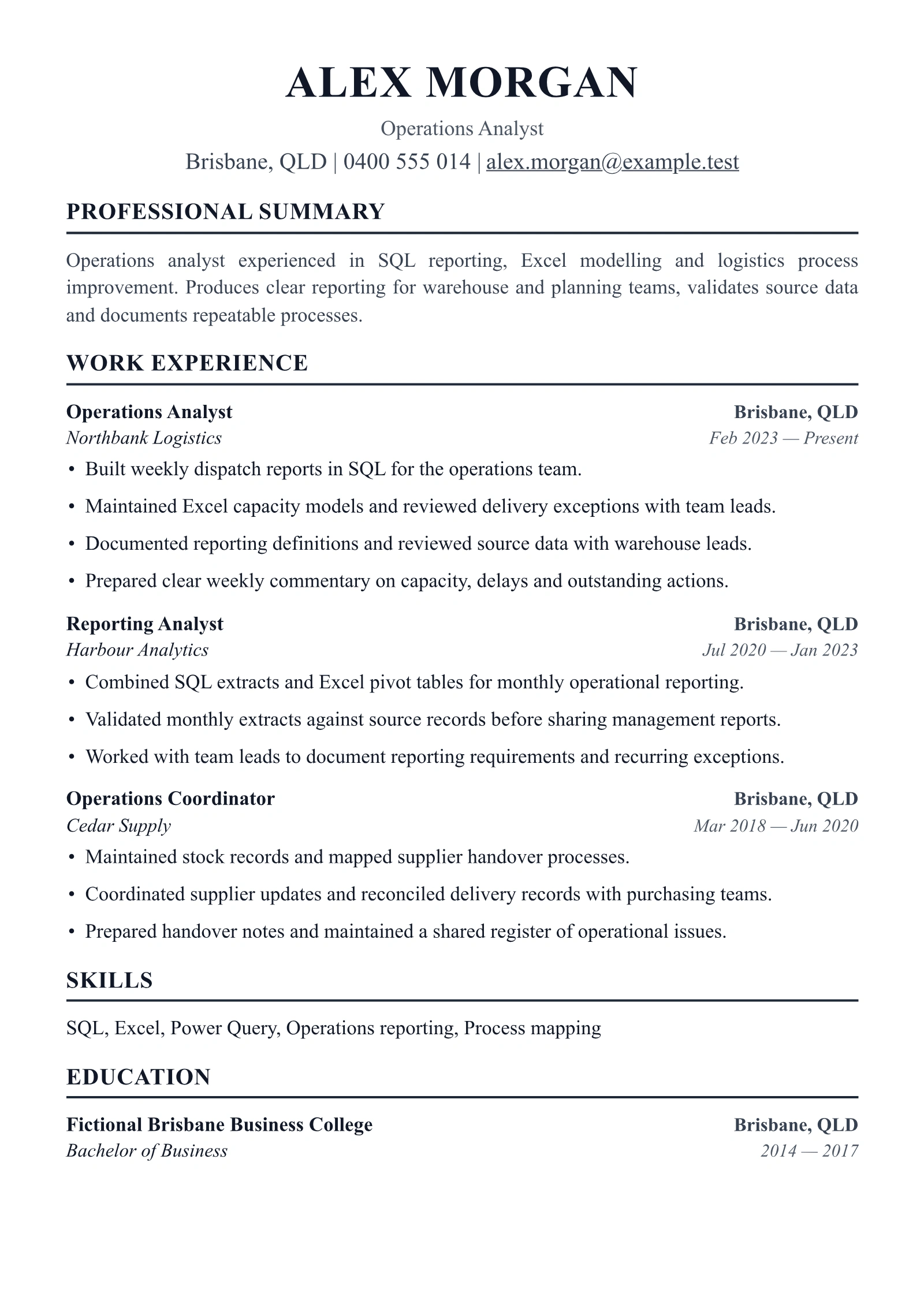
Your resume
Read by our parser
ATS score
Readable 93, content 80
88
Parsed fields
- NameDetected
- Contact infoEmail, phone, location detected
- LinkedInNot detected
- Experience3 positions detected
- Skills5 skills detected
- Education1 entry detected
Checks to review
- Contact Information Warning
- Section Headers Warning
- Resume Length Warning
- Quantified Impact Warning
Contact Information: No LinkedIn profile URL found. Add your LinkedIn URL — many recruiters search for candidates on LinkedIn
Resumatica's ATS Checker uses a two-tier system
The proportion of content we can parse
First, our parser attempts to extract text and identify fields in your PDF. Review what was read and what was missed against the original document.
What our checker identifies
We don't just check formatting. The second part of our score evaluates the quality and completeness of your content: section structure, contact data, skills taxonomy, and quantifiable achievements.
See what hiring software actually reads.
Format & structure
Checks whether the PDF has real text, readable sections, safe spacing, and a layout that will not confuse parsers.
Contact capture
Shows which name, email, phone, location and links our parser could extract. Review the values against your document.
Skills taxonomy
Identifies skills present in your resume and groups them into structured categories. This check does not compare against a job description.
Content risk
Flags content and formatting issues for you to review, including vague bullets and missing detail. These checks do not predict callbacks.
See the data, not just a score.
16 checks across the five signals that matter.
| Signal | What we read | An example finding |
|---|---|---|
| Parseability6 checks | Whether the PDF has real text, how columns, tables, headers, fonts and images lay out, and the file type | Table-like rows found: cells can be read out of order |
| Identity1 check | Name, email, phone, location and links | LinkedIn not detected |
| Sections4 checks | Section headings, experience, education and dates | Review unrecognized header: ALEX MORGAN |
| Skills1 check | The skills section, mapped to a skills taxonomy | SQL, Excel and Power Query read from Skills |
| Content4 checks | Action verbs, numbers in bullets, readability and length | Bullets without numbers are flagged to review (detail on Pro) |
Frequently asked questions
More answers in the full FAQ.
An Applicant Tracking System (ATS) is software that companies use to manage job applications. It parses your resume into structured data — name, experience, skills, education — and stores it in a database. If the ATS can't parse your resume correctly, your information may be lost or mis-categorized, and recruiters won't find you in searches.
Our checker uses deterministic PDF parsing to show the contact fields, sections and skills it can extract, alongside specific formatting and content checks. It does not run Taleo, Workday or Greenhouse, and cannot predict what an employer's system will extract or decide.
No. Your PDF is processed in memory on our servers and immediately discarded after analysis. We don't store your resume, your results, or any personal information extracted during parsing.
No. The ATS checker is completely free and requires no signup. Upload your PDF and get instant results.
Currently we support PDF files up to 10MB. PDF is the most common format accepted by ATS systems and preserves formatting across platforms.
A score of 90+ means your resume is well-optimized for ATS parsing. Scores of 75-89 indicate a solid foundation with minor issues. Below 75, there are formatting or structural problems that could affect how ATS systems read your resume.