
Template guide
Why use our free resume templates?
Resumatica's templates give you a structured starting point: strong hierarchy, recruiter-friendly spacing, and real text that can be read by application portals. You still control the content, but the formatting work is already handled.
Choose a shape
Pick simple, modern, classic, or bolder layouts based on the role.
Write inside guardrails
Standard sections, sensible spacing, and readable typography keep the resume clean.
Tailor and export
Switch templates, refine the wording, and download a polished PDF when ready.
Choosing the right resume template
Our resume templates are divided into styles to help you quickly find the layout that suits your industry, experience level, and personal taste.
Professional resume templates
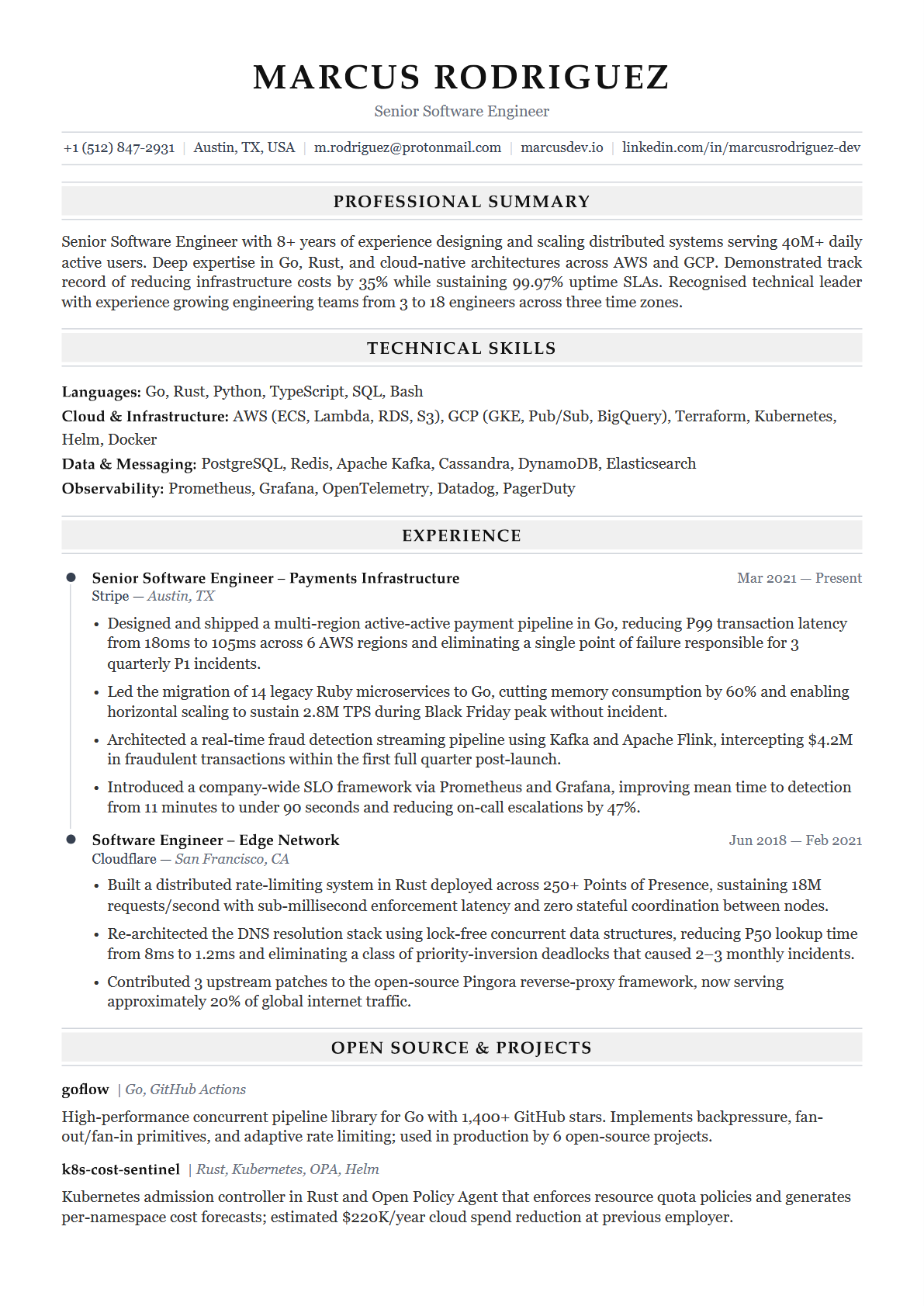
Our professional templates feature classic styles with clean fonts and traditional formatting. These designs prioritise readability and structure — exactly what recruiters in conservative industries expect. You cannot go wrong with a professional template if you work in law, finance, healthcare, education, accounting, or consulting.
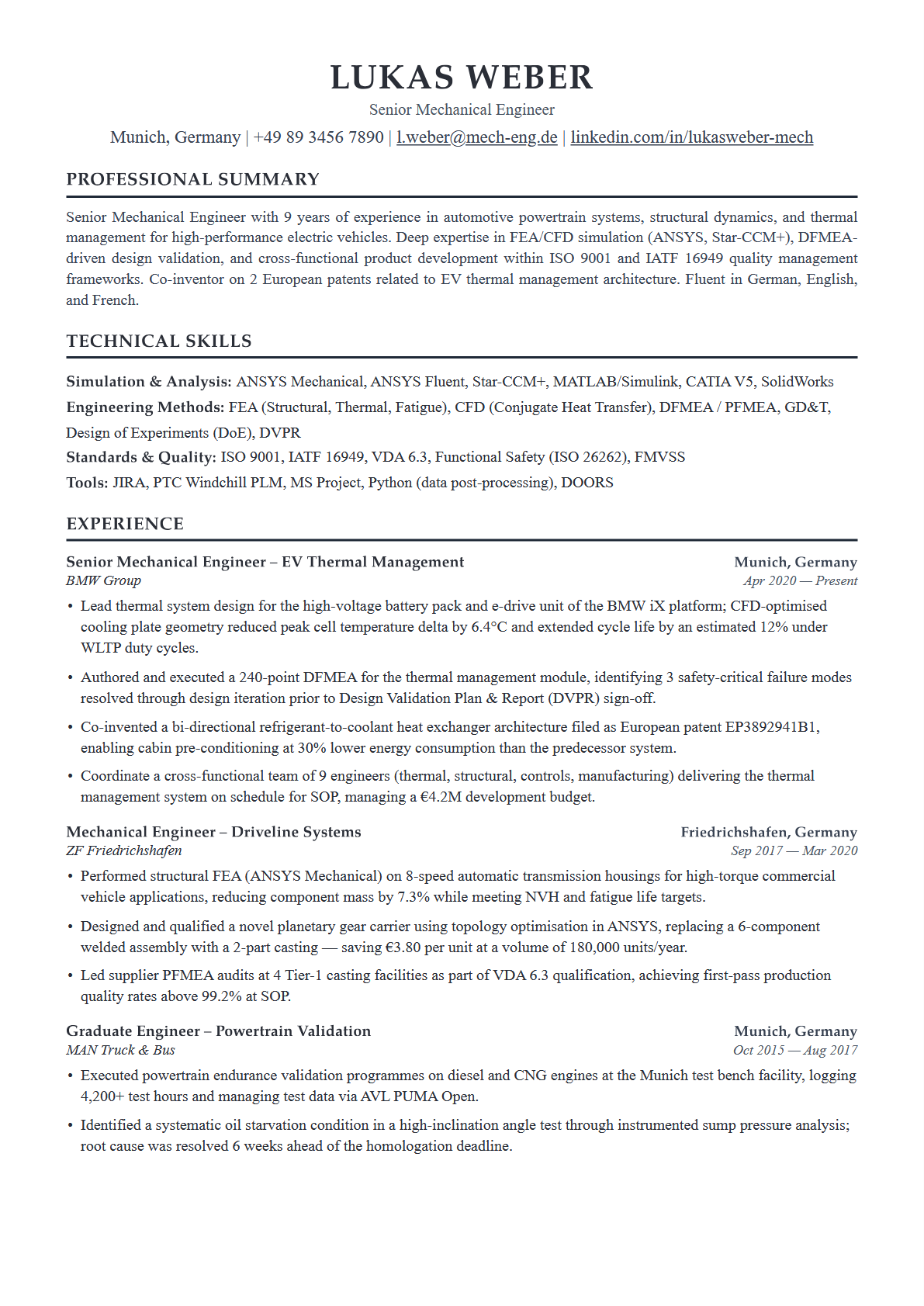
Resumatica · Professional
Professional
A single-column layout with serif headings and clean section dividers. Designed for traditional industries where clarity and formality matter most. Pair it with strong action verbs and quantified achievements for the best results.
Modern resume templates
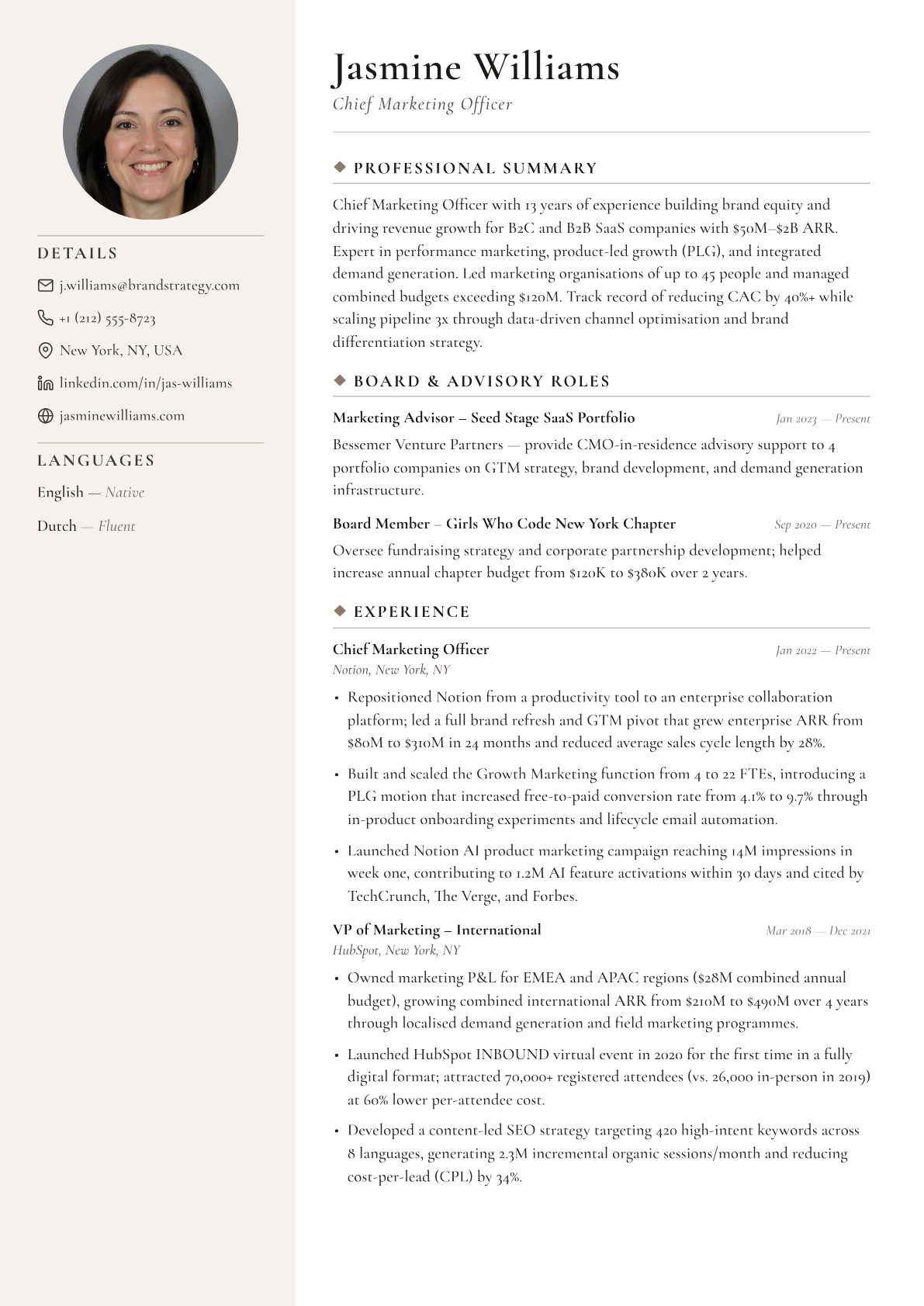
When you want a fresh look that is still professional, our modern templates are the ideal choice. These designs use minimalist headers, clean dividing lines, and subtle accent colours that make your resume stand out. Check out these templates if you work in IT, engineering, marketing, HR, or administration.
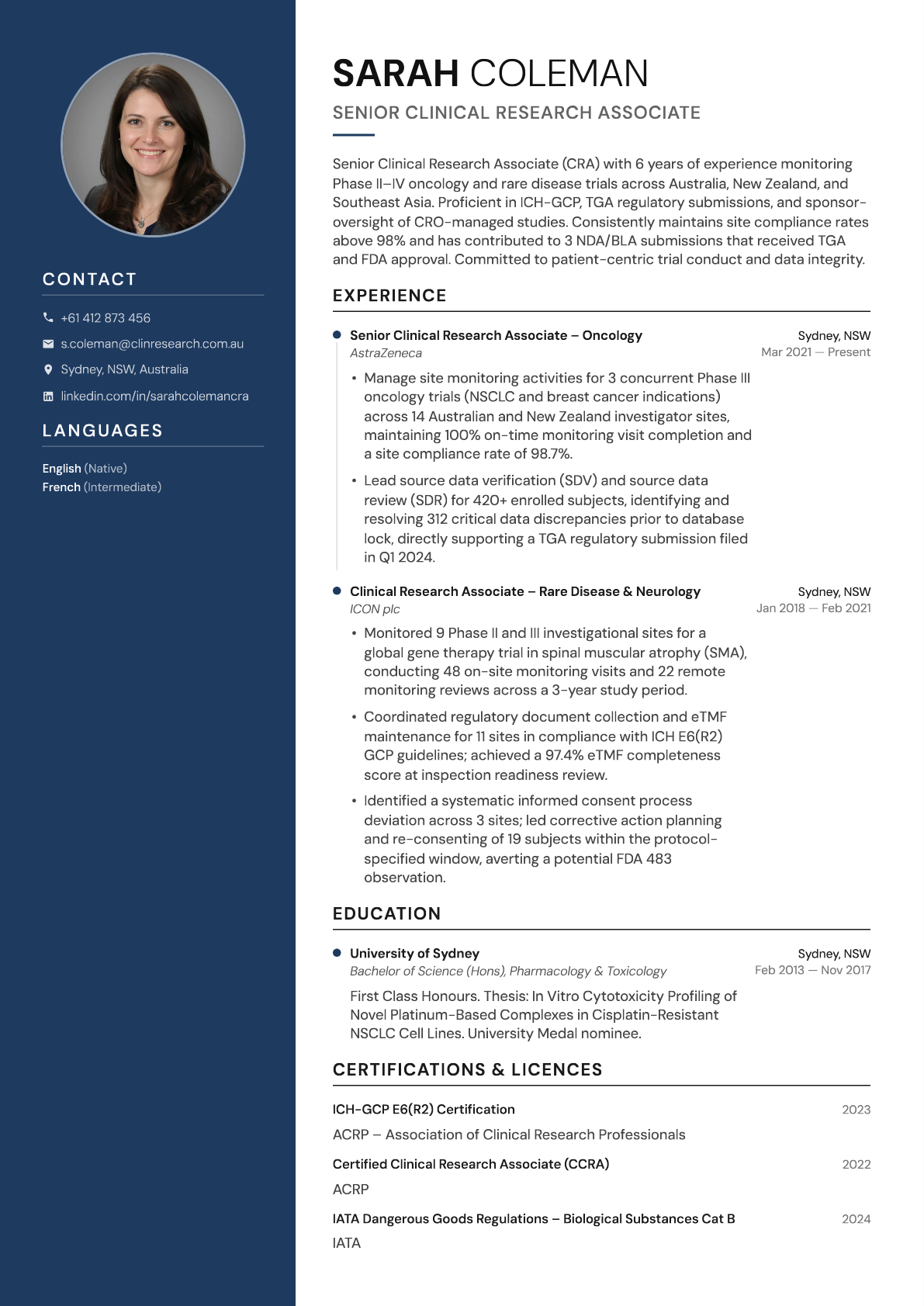
Resumatica · Modern
Modern
A two-column layout with a skills sidebar and sans-serif typography. Present your technical stack, languages, and certifications alongside your experience — particularly useful for tech and product roles.
Creative resume templates
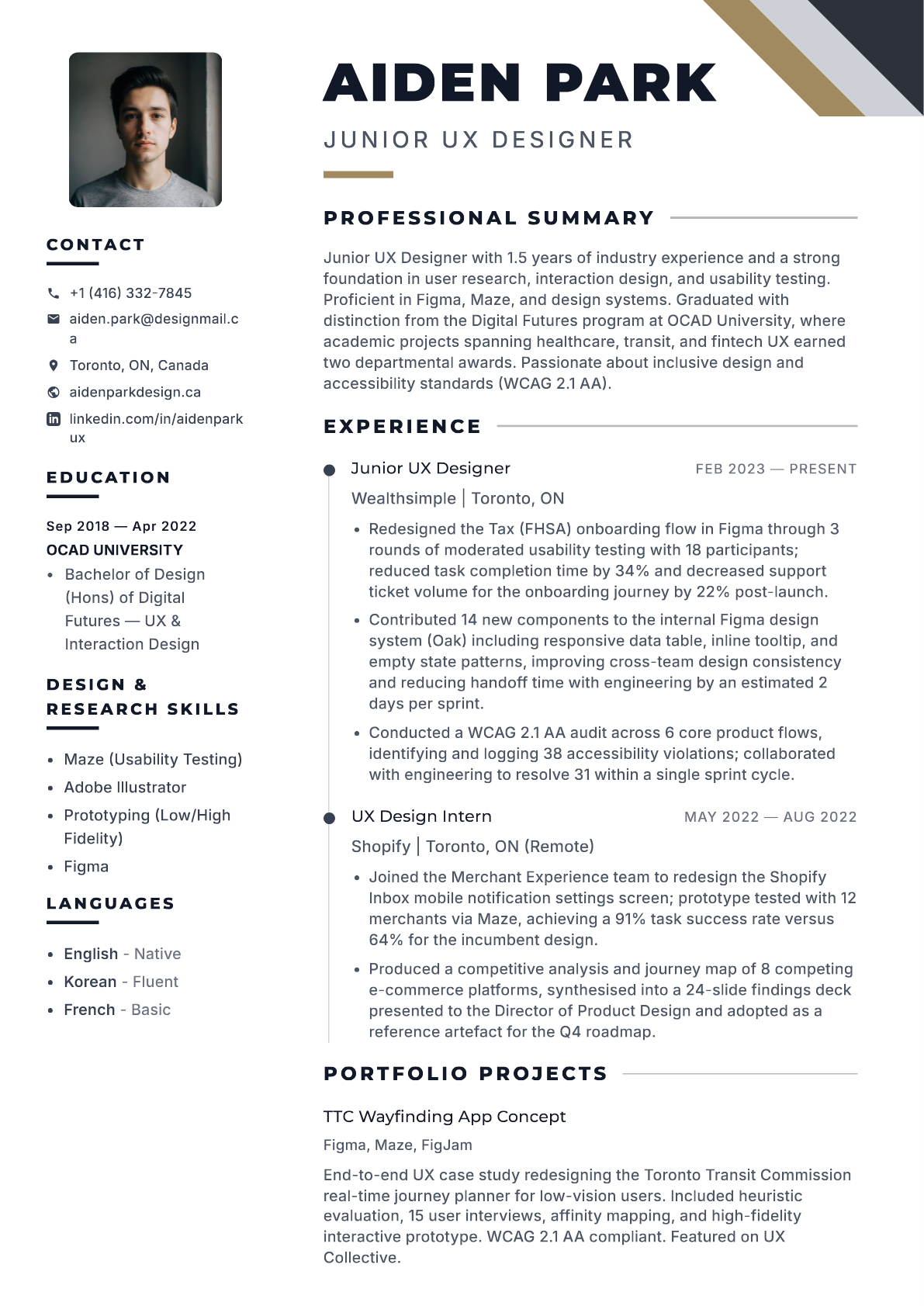
When you want to go bold, look no further than our creative resume templates. This collection features larger headings, distinctive typography, eye-catching accent colours, and dynamic layouts. These are a great fit for designers, photographers, artists, content creators, and anyone in a field where visual presentation matters.
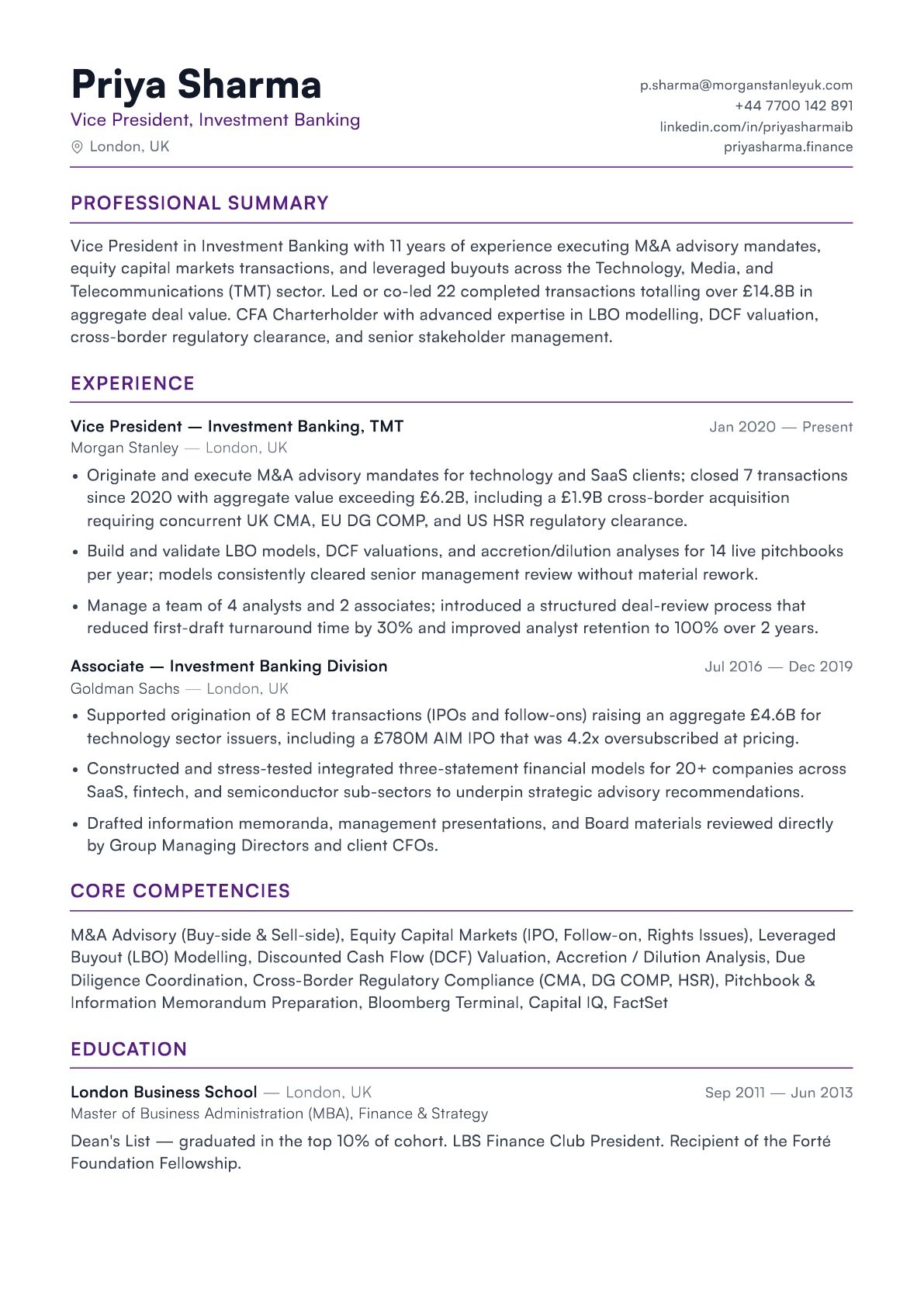
Resumatica · Bold
Bold
A high-impact layout with customisable accent colours and strong visual hierarchy. Demonstrates design sensibility while keeping content ATS-compatible — so your resume still parses correctly through automated screening.
Simple resume templates
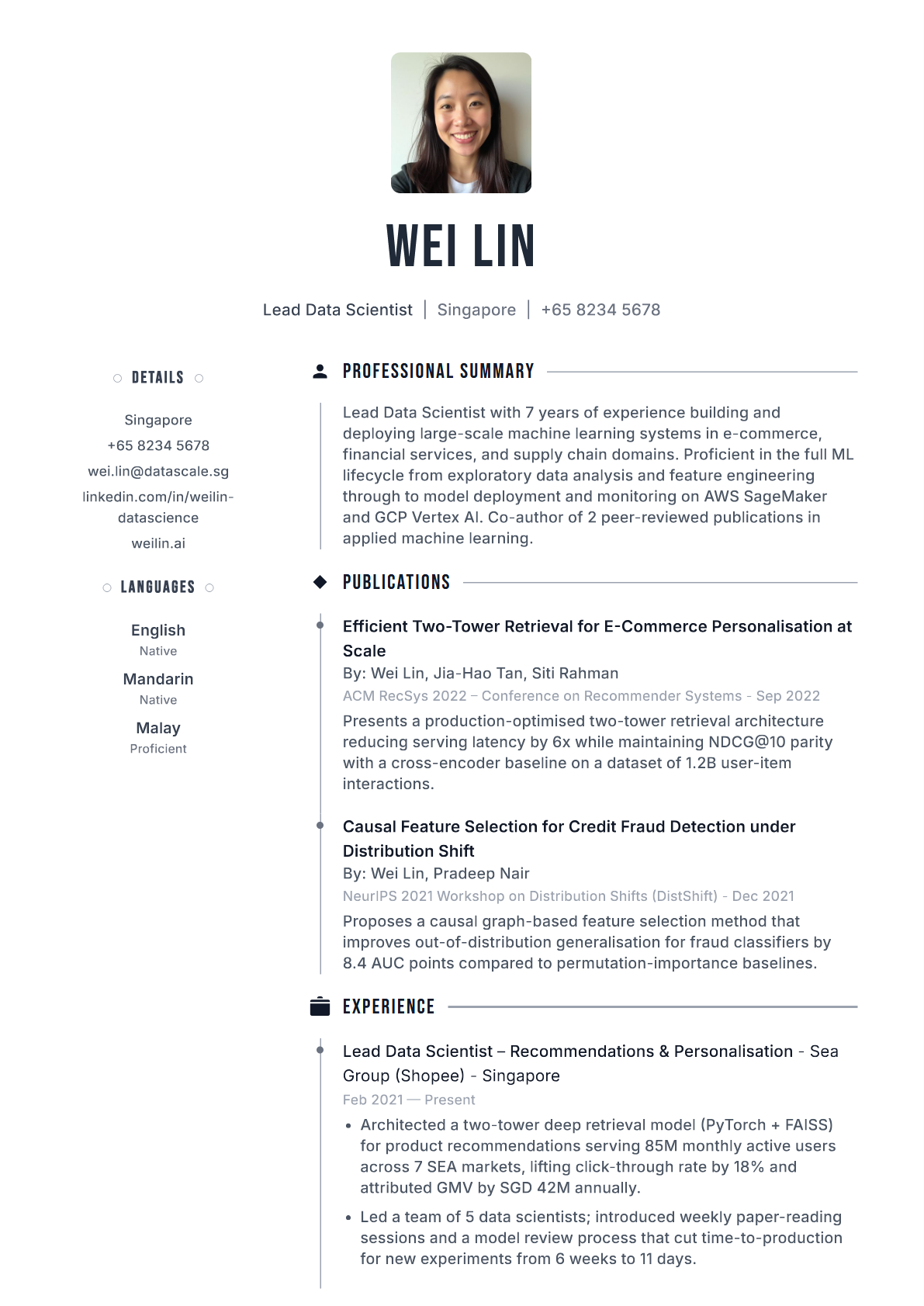
If you want a resume that is attractive and gets the job done, our simple templates are built for exactly that. These formats are easy to read and offer just the right amount of style. If you work in hospitality, retail, operations, or are a student or career changer, our simple templates are a strong choice.
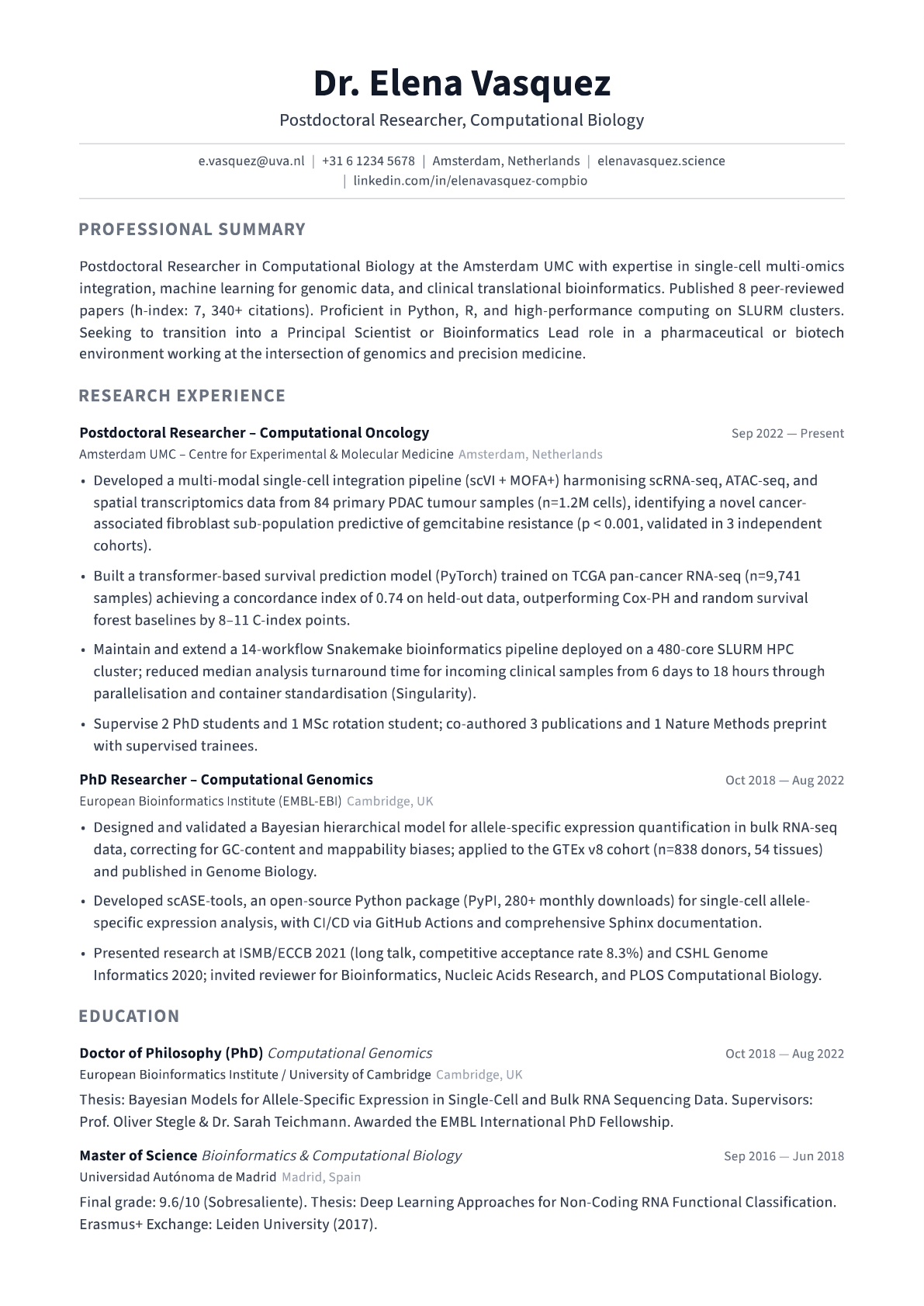
Resumatica · Streamline
Streamline
A clean, minimal layout that looks intentional even with less content. Adapts well to shorter resumes — ideal for students, career changers, or anyone who prefers simplicity.
What makes the best resume template?
The best resume templates provide the right combination of formatting choices to make your experience jump off the page. Here is what to look for in your next resume template.
- 1. An attractive header. The resume header is arguably the most important part of the template because this is where most of the layout design will come into play. Choose a template with a header that emphasises your name and offers enough space for your contact details and links to your LinkedIn or portfolio.
- 2. Good readability. White space is demonstrated by a combination of margins, indenting, font and colour use. You are looking for a balance — not too sparse or cluttered with information. Use a single accent colour to draw attention to section headings without overwhelming the reader.
- 3. The right amount of space for your experience. Entry-level candidates should look for templates that look complete with less content. Senior professionals should find layouts that offer plenty of space without looking cramped at two pages.
- 4. Professional font sizes, colours, and styles. Your font style should be easy to read and somewhere between 10 and 12 points in size. Choose a professional colour scheme that stands out while still positioning you as a serious candidate. Stick to no more than two font families.
- 5. Customisable. A good resume template can be customised to your needs. Resumatica templates are all designed inside our intuitive builder tool, making it easy to create and download different versions in a few clicks.
- 6. The right file format. Make sure to check the job description carefully and download your resume in the format the employer is looking for. When in doubt, PDF is generally the best option for retaining formatting, printing, and uploading to online application portals.